





Music lovers spend a lot of time on Audiomack listening to their favorite Afrobeats, hip-hop, and gospel tracks. But what happens when you run out of data or find yourself in a place with a bad network? You need a reliable way to listen offline. If you want a quick Audiomack to MP3 download, there is a very simple tool you can use to save your music forever.
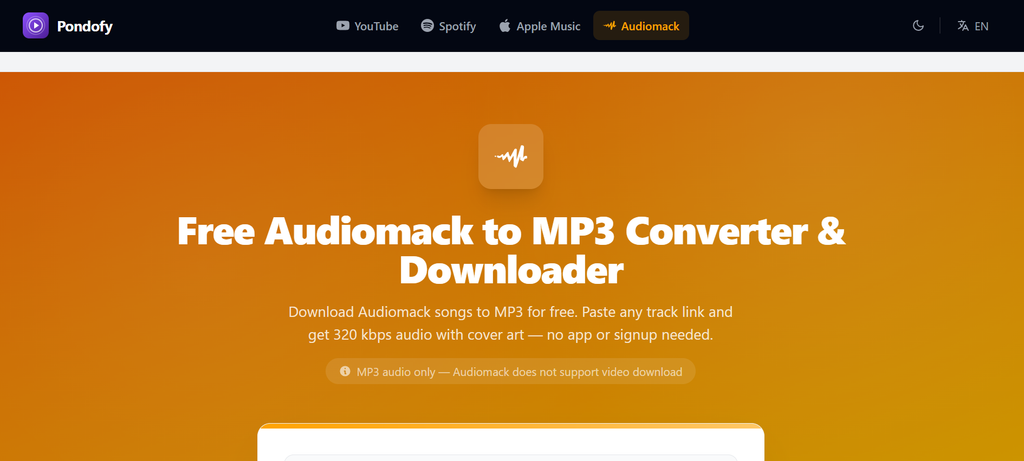
The best tool for this job is Pondofy. Pondofy is a free online tool that lets you convert Audiomack to MP3 in just a few seconds. You do not need to download any extra application, and you do not need to sign up or create an account.
Why Choose Pondofy for Your Music?
When you search for a way to get your songs offline, you want a tool that is fast, safe, and easy. Here is why Pondofy stands out for anyone looking to change Audiomack to MP3:
- Top Audio Quality: Nobody likes bad sound. Pondofy ensures you get the highest quality available, allowing you to download tracks in crisp 320 kbps MP3 format.
- Original Cover Art Included: Your downloaded songs will look great on your music player. The tool automatically embeds the original cover art, the artist’s name, and the song title directly into the file.
- 100% Free: You do not have to pay a single Naira or Dollar. It is completely free with no hidden fees.
- Works on All Devices: Whether you are using an Android phone, an iPhone (iOS), a Windows laptop, or a Mac, Pondofy works perfectly right inside your web browser.
Best Way to Download Your Audiomack Songs for Free on Pondofy
Getting your music is incredibly straightforward. Just follow these quick steps to convert Audiomack to MP3:
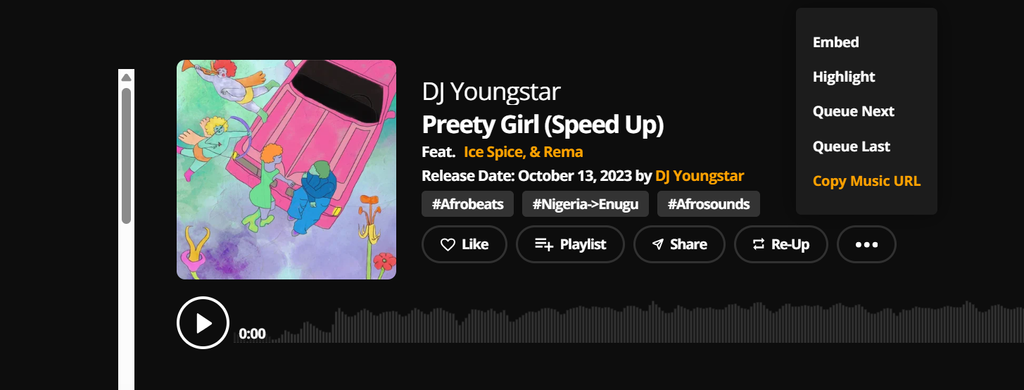
- Find your song: Open the Audiomack app or website and locate the song, remix, or mixtape you want to save.

- Copy the link: Click the share button on the track and copy the link.
- Visit the tool: Open your internet browser and head over to the Pondofy Audiomack downloader page.
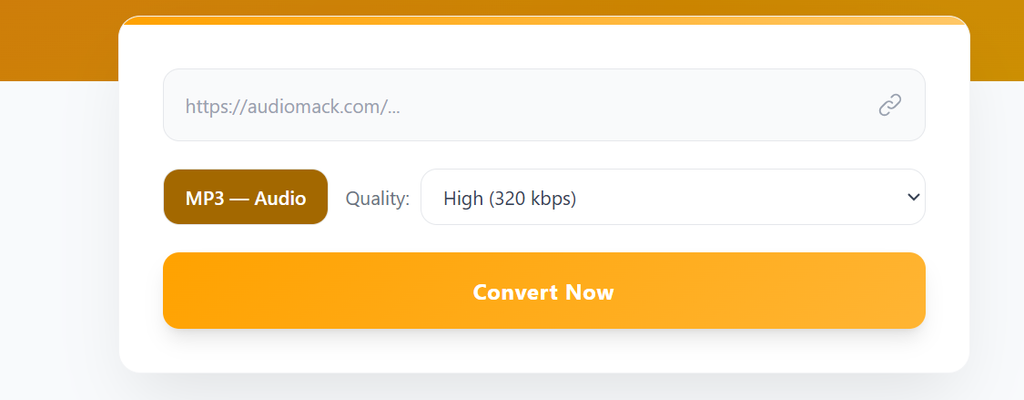
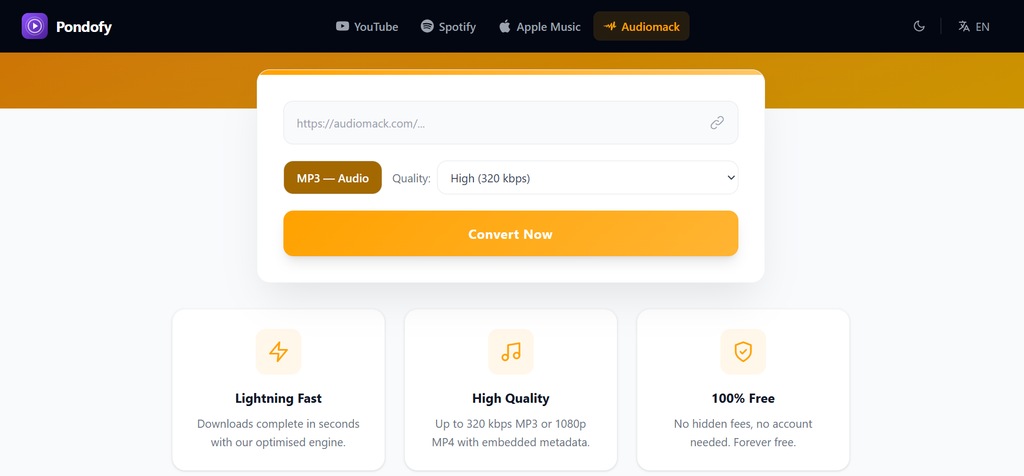
- Paste the link: Paste the copied URL straight into the input box on the screen.
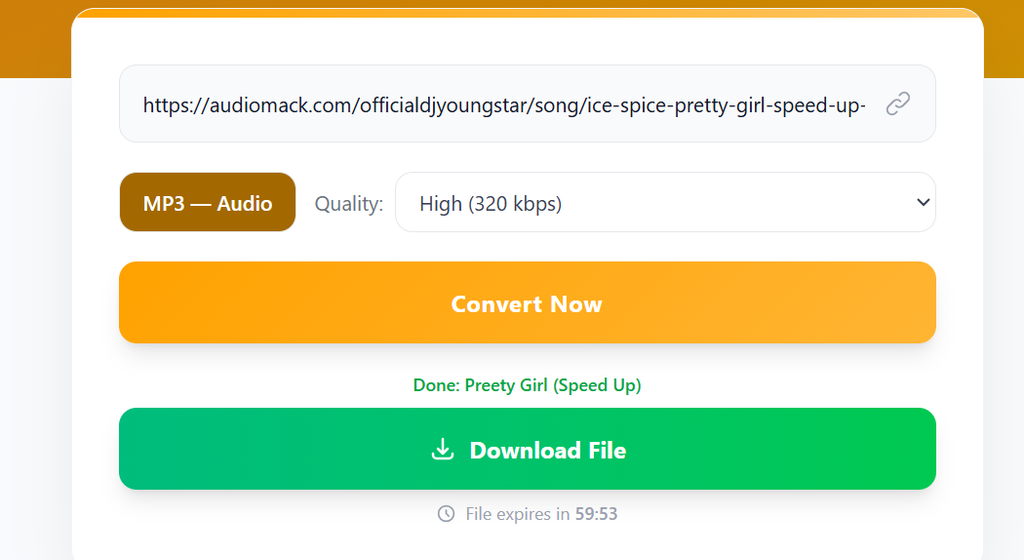
- Convert and download: Select your preferred quality—we recommend High (320 kbps) for the best sound—and click the “Convert Now” button
Your download will finish in a few seconds. Audiomack Downloader is the smartest way to build your personal music collection. You get to save your mobile data and keep your top tracks ready to play anytime, anywhere.
Are there any specific Afrobeats artists or new albums you are excited to download first using this method? Any feedbacks, suggestions, or area of improvement, drop your comment below.